
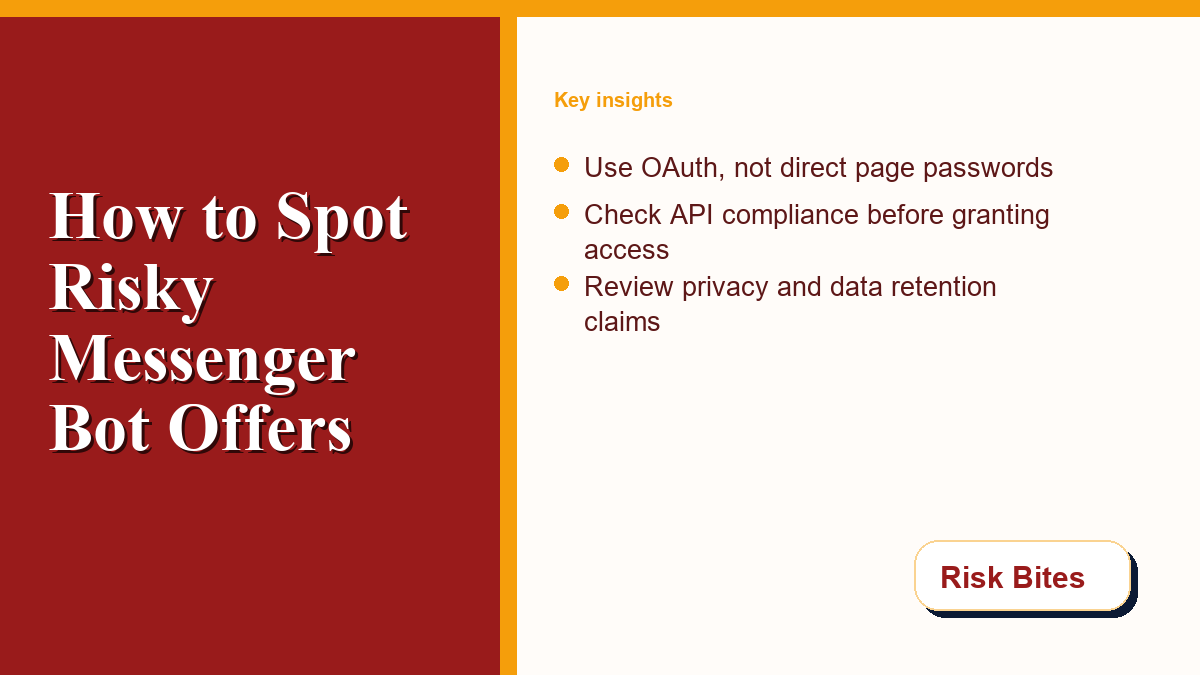
Deciding to automate your social media interactions is a major step for any online community. If you are considering adding a messenger bot to handle customer queries, you must first evaluate the safety profiles of available tools. While automation offers convenience and speeds up response times, it also exposes your page’s inbox, user data, and administrative rights to third-party software. Without proper due diligence, what seems like a simple productivity upgrade can expose your organization to severe compliance violations, data leaks, and account suspension. In this risk review, we will dissect the warning signs of suspicious platforms and outline practical steps to protect your audience and assets.
The Role of Automation in Messaging Safety
For organizations and page administrators, automated conversational agents can assist by handling repetitive inquiries and routing complex issues to live staff. However, integrating an external tool opens a door to your audience’s private information. If a service is compromised or operates outside standard security protocols, customer data could be leaked, making digital risk literacy a requirement for anyone managing a page.
At Risk Bites, we believe in empowering page owners to navigate technology decisions safely. To understand more about our mission of science-backed risk literacy and safe digital practices, you can visit our about page. By developing an analytical approach, you can separate helpful automation from shortcuts that compromise security.
Using unauthorized tools can also destroy community trust. A faulty tool can inadvertently broadcast private user details, publish unauthorized promotional materials, or expose user accounts to phishing attempts. Consequently, verifying developer compliance before connecting a service is your first line of defense.
Understanding the Compliance Risks of Messenger Bot Pitches
Connecting any tool to your page requires granting access through Meta’s platform interfaces. Compliant developers design software to interact strictly with Meta’s official Graph API. However, bad actors frequently pitch tools that use scraping or browser automation to bypass these interfaces. Engaging with such systems puts your page at risk of violating community standards. Meta outlines strict guidelines regarding inauthentic behavior in their Meta Inauthentic Behavior Policies, and violating these terms can lead to permanent page removal.
Inauthentic behavior includes actions designed to mislead users or the platform about the popularity, origin, or nature of an account. Unregulated tools that artificially inflate response metrics, send bulk unsolicited messages, or scrape user profiles violate these safety standards, triggering automated restrictions or manual page audits.
Furthermore, developers must operate within Meta’s specific terms for platform automation. According to official guidelines, developers must respect rate limits and standard messaging windows. You can read more about these rules in the Meta Platform Automated Rules. Compliant services clearly document these technical limits and will never ask you to perform actions that violate them.
Red Flags of Scammy and Non-Compliant Bot Services
A primary red flag is any service that requests your direct Facebook login credentials rather than using the secure Facebook Login dialog. Secure applications use OAuth tokens, which allow you to grant specific permissions without revealing your password. A tool that demands your credentials is likely attempting to gain unmonitored access to your profile, ad accounts, and pages.
Deceptive services also frequently promise unrealistic results, such as guaranteed page growth or the ability to bypass ad policies. In their alerts regarding fake social media engagement, which you can review in the FTC Fake Social Engagement Alert, the FTC warns that tools offering artificial growth often rely on bot networks. These practices expose your page to severe platform penalties.
Additionally, scammers target page owners with fake warnings about copyright violations or page suspensions, instructing them to click links to verify their accounts. These links often install malware or harvest credentials. The FTC tracks these scams and offers tips on identifying phishing in the FTC Social Media Scams Alert. Understanding these patterns is essential for maintaining control of your digital infrastructure.
A Security Comparison: Safe vs. High-Risk Automated Tools
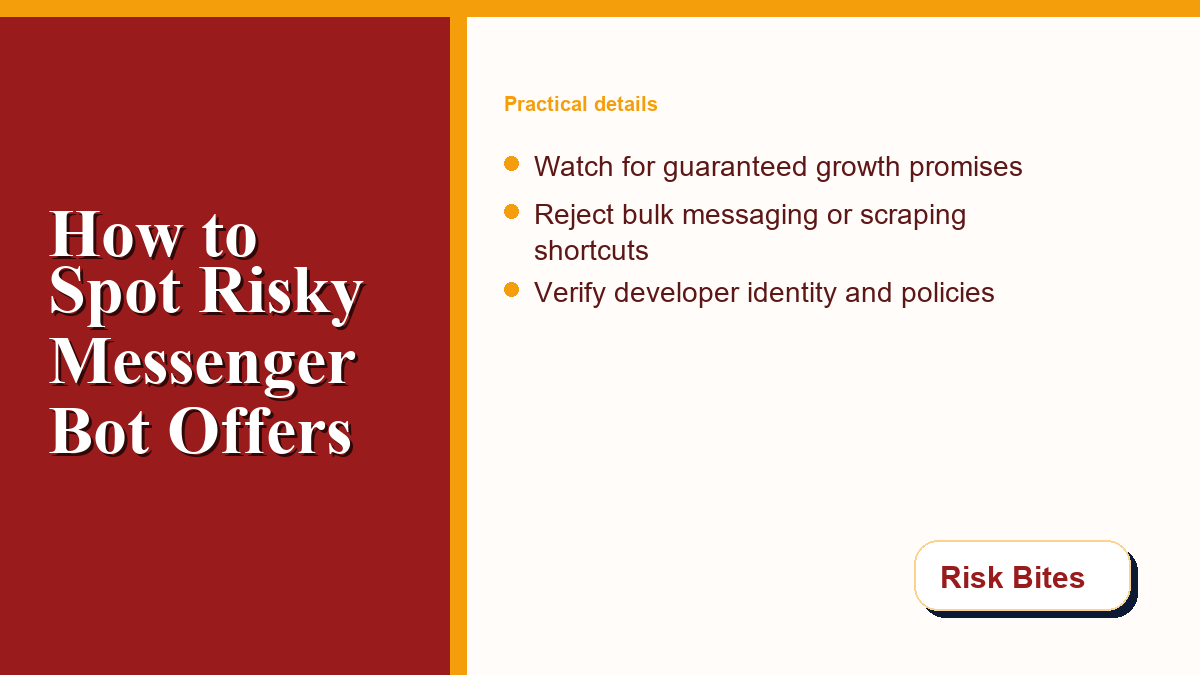
To help you evaluate potential automation tools, it is useful to compare the operational patterns of safe, compliant integrations with those of high-risk, non-compliant tools. The following comparison table outlines the key differences you should look for during your evaluation process.
| Feature | Compliant Automation (Low Risk) | High-Risk Bot (High Risk) |
|---|---|---|
| Auth Method | Uses secure OAuth 2.0 via standard Facebook Login buttons | Asks for direct account passwords or session cookies |
| API Usage | Interacts only with official Meta Graph API endpoints | Uses browser emulation, headless scripts, or scraping |
| Data Privacy | Provides a clear, accessible privacy policy detailing data usage | Lacks clear policy or retains rights to sell customer data |
| User Consent | Requires user opt-in before sending promotional messages | Sends unsolicited bulk messages and ignores opt-outs |
| Developer Status | Linked to a verified Meta Business Manager account | Operates anonymously with no verifiable developer records |
As the table highlights, compliant tools respect the security boundary established by the platform. They do not request direct passwords because they do not need them; the OAuth system allows them to function within a limited scope. When a service attempts to bypass these standard mechanisms, it is a clear sign that they are trying to access resources they are not authorized to view. Page administrators must remain vigilant and reject any tool that does not align with the standard compliance profile described above.
Practical Safety Checklist Before Granting Page Access
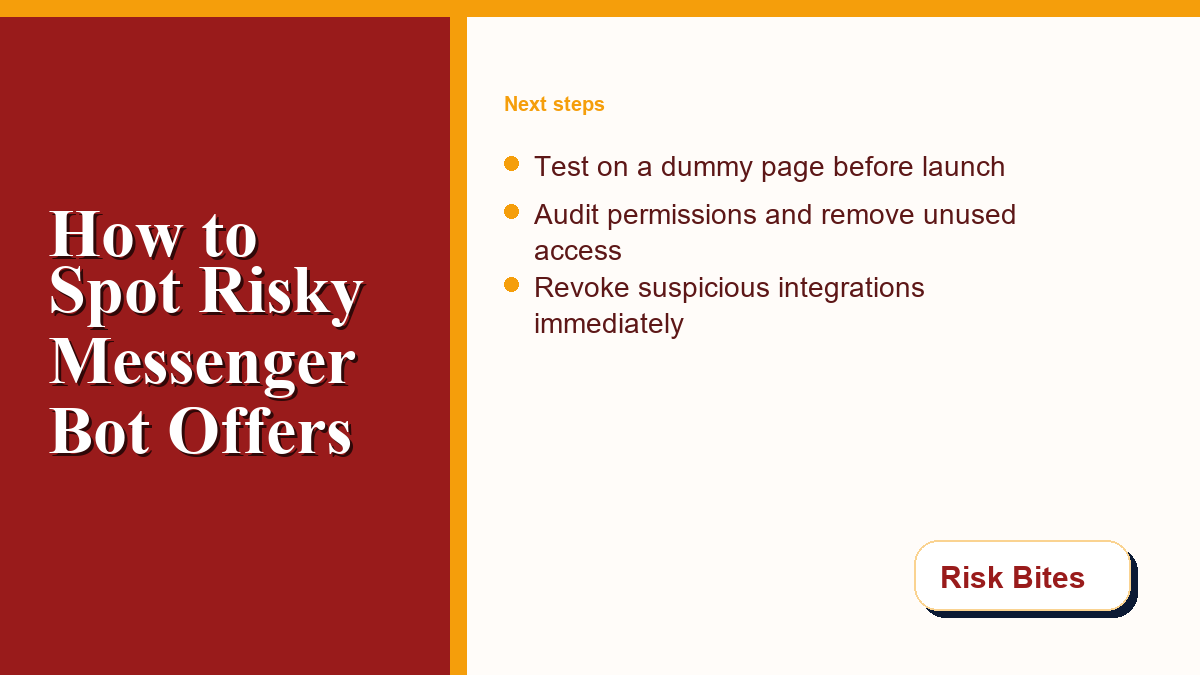
Before you connect any external tool to your live page, we recommend performing a structured security audit. This process helps ensure that you are not introducing vulnerabilities into your social media management workflow. By taking a few extra minutes to verify the credentials of a tool, you can save your organization from the consequences of a hacked page or suspended account.
Use the following checklist to evaluate any messenger bot service before installation:
- Verify Developer Identity: Check if the developer has a verified business profile.
- Audit Requested Permissions: Ensure the tool only requests permissions required for its function and does not ask for personal profile controls.
- Read the Privacy Policy: Confirm that the provider does not sell user communications or store customer data indefinitely.
- Test on a Dummy Page: Create a temporary page to test the tool’s behavior before connecting it to a live asset.
- Search for Reports: Look up the developer’s name on consumer safety forums for complaints.
Conducting these checks is an essential part of responsible page administration. A secure tool will welcome your scrutiny and provide clear documentation to help you verify its compliance. If a developer is defensive, vague, or refuses to explain how their tool interacts with Meta’s APIs, you should walk away and find a more transparent alternative.
Reporting and Revoking High-Risk Page Connections
If you discover that you have connected a non-compliant or suspicious tool to your page, you must act quickly to limit the potential damage. The longer a malicious app remains connected, the more user data it can harvest, and the higher the likelihood that your page will be restricted by Meta’s security systems. Fortunately, revoking access is a straightforward process completed directly through settings.
To revoke permissions, navigate to your Page Settings, click on “Business Integrations,” locate the tool in the list, and select “Remove.” This action immediately cancels the access tokens that the tool uses. If you believe your account credentials have been compromised, change your password and enable two-factor authentication. For detailed instructions, refer to the official Facebook Page Security Help resource.
Staying informed on emerging digital security threats is a continuous process. For more safety guides, compliance news, and tips on maintaining your online presence, feel free to browse the Risk Bites blog feed. By building a habit of regular audits and maintaining a high standard of risk literacy, you can safely leverage the power of automation to build your community without exposing your page to unnecessary risks.


0 Comments